
Crypto 2FA Risk Assessment Tool
Your Risk Assessment
Enter your details to calculate your security risk level
Risk Results
Recommended: Consider using a hardware key for your main crypto wallets.
When you hold your crypto in a wallet, every login, every trade, every withdrawal depends on one thing: your second factor. If your 2FA gets cracked, your coins are gone - and no recovery process can bring them back. That’s why choosing between a hardware 2FA key and a software authenticator isn’t just about convenience. It’s about survival.
How Hardware 2FA Keys Actually Work
A hardware 2FA key, like a YubiKey or Feitian, is a tiny USB or NFC device you plug in or tap to log in. It doesn’t send passwords. It doesn’t generate numbers you type. Instead, it uses public-key cryptography to prove your identity - and the private key never leaves the device. Here’s the real difference: when you sign in to your exchange or wallet using a hardware key, the website sends a challenge. The key signs it using its secret, encrypted inside a chip that can’t be read, copied, or hacked remotely. Even if a phishing site tricks you into tapping your key, it won’t work because the challenge only matches the real domain - like crypto.com or ledger.com. Attackers can’t reuse your response on a fake site. These keys support U2F and WebAuthn standards. That means they work with Google, GitHub, Coinbase, Kraken, and Ledger. Most modern browsers - Chrome, Firefox, Edge - support them out of the box. You don’t need extra apps. Just plug it in, tap it, and you’re in. The catch? You have to own it. And you have to not lose it. A single key costs $20-$80. Smart users buy two: one for daily use, one stored in a safe. If you lose your only key, you’re locked out - unless you set up backup codes or another method. That’s why many blockchain users keep their backup key in a fireproof safe, not their wallet.How Software Authenticators Work (and Where They Fall Short)
Software authenticators like Google Authenticator, Authy, or Microsoft Authenticator generate six-digit codes that change every 30 seconds. They work using TOTP - Time-Based One-Time Password. You scan a QR code when setting up 2FA, and the app and the server both use the same secret key to generate matching codes. It’s simple. It’s free. And it’s everywhere. If you’ve ever set up 2FA on Binance or MetaMask, you’ve probably used this method. You don’t need to carry anything extra. Your phone has the codes. You can back them up. You can sync them across devices. But here’s the problem: your phone is not a vault. If your phone gets stolen, infected with malware, or you accidentally click a phishing link that steals your session, your authenticator app is vulnerable. Malware like RedLine or Formbook can grab TOTP secrets from your device. Social engineers can trick you into giving up your recovery codes. Even syncing your codes to the cloud - like Authy does - creates another point of failure. If the cloud service is breached, your secrets could be exposed. And yes - software authenticators are still better than SMS. But they’re not bulletproof. In 2024, over 20% of crypto thefts involved compromised 2FA, and most of those were TOTP-based. The attacker didn’t break encryption. They just got your phone.Security Comparison: Why Hardware Keys Win
Let’s cut through the noise. In real-world attacks, hardware keys are the only 2FA method that’s truly phishing-resistant. That’s not marketing. It’s math. - Hardware keys: Private key stays on device. No code to steal. Can’t be reused. Requires physical touch. Immune to remote attacks. - Software authenticators: Shared secret stored digitally. Can be copied. Codes can be intercepted. Vulnerable to device compromise. A 2023 report from the FIDO Alliance showed that phishing attacks against TOTP users succeeded 87% of the time. Against hardware keys? Zero successful attacks - because the protocol is designed to fail if the domain doesn’t match. If you’re holding more than $1,000 in crypto, you’re a target. Hardware keys turn your 2FA from a weak lock into a vault. You can’t be phished. You can’t be remotely hacked. You can’t be tricked into giving up your key - because it doesn’t give up anything.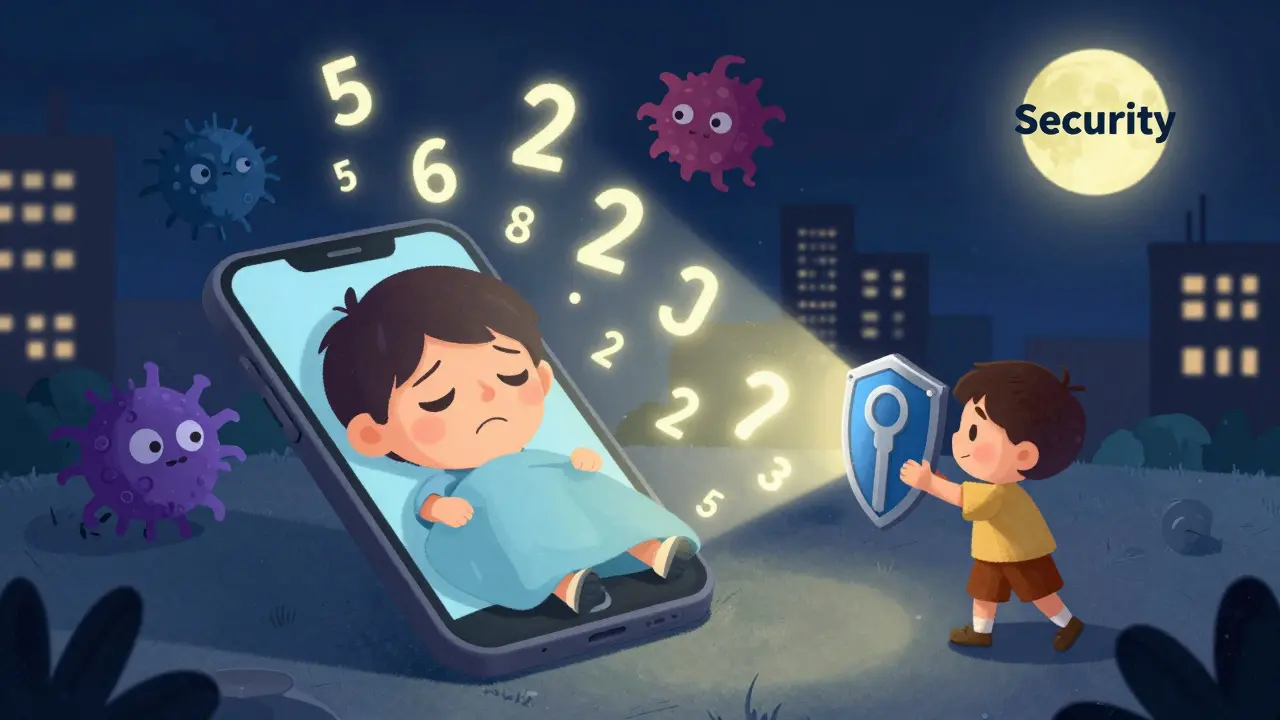
Convenience vs. Control: The Trade-Off
Let’s be honest: hardware keys are less convenient. You have to carry them. You have to remember to plug them in. Your laptop might not have a USB port. Your phone might not support NFC. You might forget your key at home. You’ll need backup codes. You’ll need to explain to your partner why you’re not letting them use your laptop. Software authenticators? They’re everywhere. You open your phone, you see the code. You switch devices, you restore from backup. You can even use them on your tablet, your work computer, your friend’s iPad. But convenience isn’t safety. If you’re using software 2FA because it’s easier, you’re trading security for comfort. And in crypto, comfort kills. Many users think, “I’m not a high-value target.” But bots don’t care who you are. They scan for weak 2FA. They brute-force recovery emails. They wait for you to log in from a public Wi-Fi. Your wallet isn’t safe because you’re careful - it’s safe because your 2FA can’t be stolen.What About Passkeys? Are They the Future?
Apple, Google, and Microsoft are pushing passkeys - biometric logins that use the same public-key crypto as hardware keys, but built into your phone or laptop. You unlock your device with Face ID or a fingerprint, and you’re logged in. Passkeys are great. They’re convenient. They’re phishing-resistant. And they’re backed by hardware security - like Apple’s Secure Enclave or Google’s Titan chip. But here’s the catch: they’re locked to your device. If you lose your iPhone, and you didn’t set up a backup passkey on another Apple device, you’re locked out. And if your laptop gets wiped or stolen, same thing. Passkeys are a step forward - but they’re not a replacement for hardware keys yet. They’re a middle ground. Good for everyday use. Not ideal for cold storage or high-value accounts. For crypto, you still want a physical key you can carry in your pocket - not one tied to a device you might lose.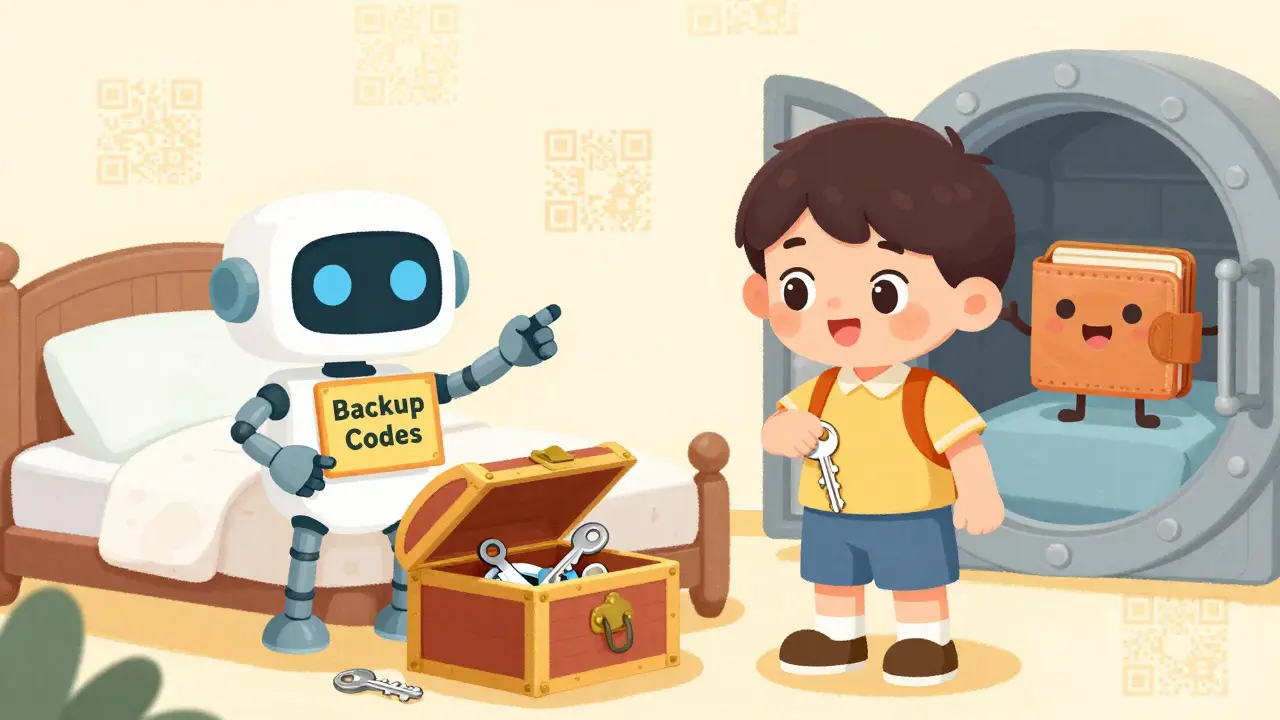
Who Should Use What?
Here’s a simple guide:- Use a hardware key if: You hold more than $5,000 in crypto, you use cold wallets, you trade on multiple exchanges, or you’re serious about not getting hacked.
- Use a software authenticator if: You’re just starting out, you hold under $1,000, and you’re okay with the risk - but never use SMS, and always enable backup codes.
- Use both if: You want maximum security. Set your main wallet to a hardware key. Use a software authenticator for your exchange login. That way, even if one fails, the other holds.
How to Set Up a Hardware Key for Crypto
It’s easier than you think:- Buy a FIDO2/WebAuthn-compatible key (YubiKey 5Ci for Apple, YubiKey 5 NFC for Android/Windows).
- Go to your wallet or exchange’s security settings (e.g., Ledger Live, Coinbase, Kraken).
- Find “Security Key” or “WebAuthn” under 2FA options.
- Plug in your key and follow the prompts. Tap it when asked.
- Write down your backup codes and store them offline - in a safe, not your phone.
- Buy a second key and store it in a different location.
Final Reality Check
You wouldn’t leave your house keys on the counter. Why would you leave your crypto keys vulnerable to a phone hack? Hardware 2FA keys aren’t perfect. They cost money. They can be lost. They require planning. But software authenticators? They’re digital keys on a device that connects to the internet - a device that gets stolen, hacked, or updated without your permission every day. In crypto, the safest option isn’t the easiest one. It’s the one that makes it impossible for someone to steal your access - even if they have your password, your phone, and your recovery email. If you’re serious about keeping your crypto safe, stop relying on codes you type. Start relying on a key you tap.Can I use a hardware 2FA key with my smartphone?
Yes, but it depends on your phone. Android phones with NFC can tap most hardware keys like YubiKey 5 NFC. iPhones with Lightning or USB-C ports can use keys like the YubiKey 5Ci. If your phone doesn’t support NFC or USB, you’ll need to use a computer or tablet to log in. Some newer phones now support passkeys, which act like built-in hardware keys using biometrics.
What happens if I lose my hardware key?
If you set up backup codes during initial setup, you can use those to regain access. Most exchanges and wallets require you to generate and download these codes when you add a hardware key. Store them offline - printed and locked in a safe, not saved on your phone or cloud. If you didn’t set up backups, you may be locked out permanently. That’s why having a second key is critical.
Are hardware keys immune to all attacks?
No system is 100% immune, but hardware keys are the closest. They’re immune to phishing, remote hacking, malware, and SIM swapping. The only real risks are physical theft (if someone steals your key and knows your password) or losing it without backup. Attackers can’t clone or copy the key - the private key is locked inside tamper-resistant hardware and can’t be extracted.
Can I use software authenticators with hardware keys together?
Yes, and many advanced users do. Use the hardware key as your primary authentication method for your wallet or exchange. Use a software authenticator for your email, cloud storage, or social media accounts. This layered approach means even if one system is compromised, your crypto remains protected by the stronger key.
Why don’t more people use hardware keys if they’re safer?
Because they’re less convenient and cost money. Most users don’t realize how easy it is to get hacked. Software authenticators work out of the box on any phone. Hardware keys require buying a device, learning how to use it, and planning for backups. Until crypto losses become personal for more people, most will stick with what’s easiest - even if it’s riskier.

Heath OBrien
December 15, 2025 AT 19:27Hardware keys are for people who think their phone is a death trap. Meanwhile, I just use Authy and sleep like a baby. 🛌
Joey Cacace
December 17, 2025 AT 19:04Just bought my first YubiKey after reading this. Seriously, if you're holding more than a few grand, you're already a target. Better safe than sorry. 💪
Caroline Fletcher
December 19, 2025 AT 18:18They're tracking you through your key. The government, the banks, the crypto bros-they all want your biometrics. Next thing you know, your key is tied to your Social Security. 🕵️♀️
Taylor Fallon
December 19, 2025 AT 21:27It's not about fear-it's about responsibility. We're not just storing money; we're storing sovereignty. If you treat your digital life like a disposable soda can, you deserve what you get. 🌱
Sarah Luttrell
December 21, 2025 AT 02:21Oh wow, a *hardware key*? How quaint. I bet you also wash your socks by hand and write letters with fountain pens. Meanwhile, I'm out here living in 2024 with passkeys and Face ID. 🤷♀️
Madison Surface
December 21, 2025 AT 17:49I used to think software was fine until my cousin got hacked through a fake Coinbase login. He lost everything. I cried for him. Now I have two YubiKeys-one in my wallet, one in a safe deposit box. No more excuses. ❤️
Scot Sorenson
December 22, 2025 AT 08:02Let’s be real-most people who use hardware keys are just insecure about their own tech skills. If you can’t secure your phone, maybe you shouldn’t be holding crypto at all. 🤖
Steven Ellis
December 23, 2025 AT 22:34Hardware keys leverage FIDO2/WebAuthn standards, which are cryptographically bound to the origin domain. This means even if a user is phished, the key refuses to authenticate against a spoofed domain. The protocol is designed to fail safe, not fail open. This is not opinion-it’s RFC 6749 and FIDO Alliance specification. You’re not just choosing convenience; you’re choosing cryptographic integrity.
Claire Zapanta
December 24, 2025 AT 06:27Hardware keys are a capitalist trap. Why should you pay $80 for something your phone should already do securely? This is just Big Crypto selling fear to make profit. The real enemy is centralized exchanges-not your authenticator app. 🚫💸
Lloyd Cooke
December 24, 2025 AT 16:16If safety is defined by the absence of vulnerability, then we must ask: is not the very act of owning a physical object-something that can be lost, stolen, or confiscated-a deeper vulnerability? The key is a metaphor for control, and control is an illusion. The only true security is decentralization of identity itself.
Kim Throne
December 26, 2025 AT 13:38For those asking about iOS compatibility: YubiKey 5Ci works seamlessly with Lightning and USB-C iPhones. Ensure you're on iOS 15+ and use the native WebAuthn flow in Safari. Do not use third-party apps like Yubico Authenticator-they're unnecessary and add attack surface. The browser handles it natively. Verified on iPhone 14 Pro.
Abhishek Bansal
December 28, 2025 AT 07:58lol why not just use a password manager with 2FA? You're all acting like you're guarding the crown jewels. It's crypto. It's digital. It's not gold. Chill.
Alex Warren
December 28, 2025 AT 17:24Hardware keys don’t solve the problem of user error. If you write your backup codes on a sticky note and leave it on your monitor, you’re still screwed. The tool doesn’t make you smart. You have to be.
JoAnne Geigner
December 29, 2025 AT 00:50I love how people say 'it's just convenience'-but convenience is the enemy of security. We accept it in everything else: seatbelts, smoke detectors, antivirus. Why is crypto the exception? It’s not about fear. It’s about discipline. And discipline is a form of love-for your future self.
Toni Marucco
December 30, 2025 AT 17:04The assumption that software authenticators are 'easier' ignores the cognitive load of managing recovery codes, syncing across devices, and trusting cloud backups. A hardware key reduces decision fatigue. One tap. Done. No passwords. No QR codes. No cloud dependencies. It’s not just secure-it’s elegant.
Eunice Chook
December 31, 2025 AT 01:35Hardware keys are a luxury for people who can afford to lose $80. Most of us are just trying to get by. You think your YubiKey makes you better than someone who uses Authy? You're not a knight. You're just rich.
amar zeid
January 1, 2026 AT 03:37Interesting. But what about the risk of physical coercion? If someone holds a knife to your throat and forces you to tap your key, you can't refuse. Software authenticators at least let you pretend you forgot the code. Survival > security sometimes.
Lois Glavin
January 1, 2026 AT 18:56Maybe the real answer isn't hardware vs software-it's layered. Use a key for your wallet, an app for your email, and a backup code in a fireproof box. No single point of failure. Simple. Smart. No drama.
Nicholas Ethan
January 1, 2026 AT 19:21Stop romanticizing hardware keys. They're just USB sticks with firmware. If the chip is compromised, you're toast. We don't know what's inside. The supply chain is opaque. Trusting a black box because it 'looks secure' is the definition of magical thinking.
Jeremy Eugene
January 2, 2026 AT 02:55Thank you for the clear breakdown. I’ve been using Authy for years and assumed it was sufficient. After reading this, I ordered a YubiKey 5 NFC today. I’ll update in a week with my experience.
Taylor Farano
January 2, 2026 AT 07:57Oh wow, someone actually wrote a 2000-word essay about a $50 key. Congrats. You win the internet. Now go touch grass.
Lynne Kuper
January 2, 2026 AT 19:35You’re all missing the point. The real win isn’t the key-it’s the mindset shift. You stop thinking of your wallet like an app. You start treating it like your passport. That’s the upgrade. The hardware is just the tool that forces you to grow up.
Sue Gallaher
January 3, 2026 AT 23:08Hardware keys are a scam. The real security is not having a wallet at all. Just hodl on Binance. They’re FDIC insured. Right? 😏
Ian Norton
January 5, 2026 AT 16:10Why are we even having this conversation? 90% of crypto users don’t even use 2FA. The rest are arguing about which flavor of insecurity to pick. We’re not protecting assets-we’re performing security theater.
Patricia Whitaker
January 7, 2026 AT 14:40I use SMS. I’m not scared. If I get hacked, I’ll just cry and move on. Life’s too short to carry a key.
Bridget Suhr
January 7, 2026 AT 22:52Just got my second YubiKey in the mail. Stored one with my mom. She doesn’t know what it is. She just knows not to throw it out. That’s the real hack: trust your people, not your tech.
PRECIOUS EGWABOR
January 8, 2026 AT 06:23Hardware keys are for people who think they're in a Bond movie. I use Authy. I'm not a villain. I'm just trying to buy avocado toast without getting hacked. 🥑
Kathy Wood
January 9, 2026 AT 20:14Wait-did anyone else notice the post says 'hardware keys are immune to phishing'? That’s not true. If you're tricked into tapping it on a phishing site that spoofs the domain, you're still vulnerable. The FIDO spec requires RP ID binding-but if you're on a fake site that looks exactly like Coinbase, and your browser doesn't show the URL properly... you're screwed. This post is dangerously oversimplified.
Anselmo Buffet
January 11, 2026 AT 06:08Just got back from the safe deposit box. My backup key’s still there. Good. I don’t need to be brave. I just need to be prepared.